Phone, Tablet and Gadget Security: Basics for Every Device
Phones, tablets and other connected gadgets are computers too. A short list of protections from CISA applies to all of them.
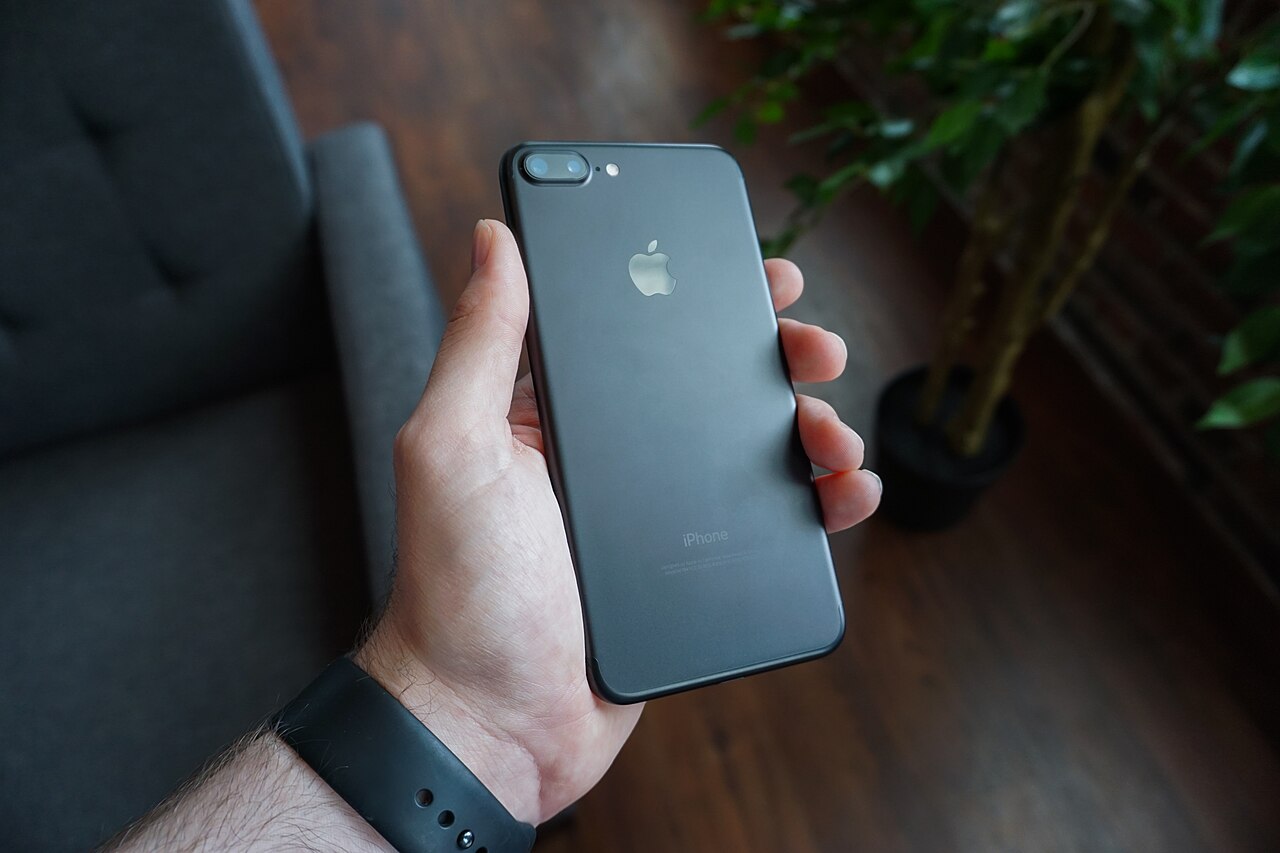

- Treat every connected device as a computer that needs updates
- Do not leave devices unattended in public
- Use strong, different passwords and a screen lock
- Turn off Bluetooth when not in use and encrypt stored data
CISA's guide on electronic devices begins with a simple point: computers include more than laptops and desktops. Many electronic devices are computers, from cell phones and tablets to video games and car navigation systems. They bring convenience and also new risks. CISA says an attacker may be able to infect a phone with a virus, steal your phone or wireless service, or access the data on the device.
Why it matters
CISA notes that any piece of equipment that uses a computerised component is vulnerable to software imperfections and vulnerabilities, and that the risks increase if the device is connected to the internet or to a network an attacker can reach. A wireless connection adds to that. That is why your phone deserves the same care as your laptop.
The protections CISA lists
- Physical security. Having physical access to a device makes it easier for an attacker to extract or corrupt information. Do not leave your device unattended in public or easily accessible areas.
- Updates. If the vendor releases updates, install them as soon as possible, because they prevent attackers from exploiting known problems. See keeping software updated.
- Strong passwords. Choose passwords that are hard to guess, use different ones for different programs and devices, and do not choose options that let your computer remember your passwords, according to CISA's guidance on electronic devices. For approaches that work, see our password guide and the password manager guide.
- Disable remote connectivity. Wireless technologies such as Bluetooth can be used to connect to other devices, and CISA says to disable these features when you are not using them.
- Encrypt files. If you store personal or corporate information, check whether the device offers encryption. CISA warns that if you forget or lose the passwords and passphrases you use with encryption, you may lose your data.
- Be careful on public Wi-Fi. See our public Wi-Fi guide.
Practical steps for a phone or tablet
- Set a screen lock so that a lost phone does not open to a stranger. Use a passcode of reasonable length rather than a simple pattern.
- Turn on automatic updates for the system and apps if your device offers them.
- Install apps only from official stores, and delete ones you no longer use.
- Review app permissions now and then. A torch app does not need your contacts.
- Turn on two-step verification for your email and key accounts. See how to do it.
- Know how to find or erase a lost device. Phone makers each provide a way, so look at your device maker's support pages.
- Back up so a lost phone does not mean lost photos. See the 3-2-1 backup rule.
Other connected gadgets
Smart speakers, cameras, game consoles and other connected devices can have their own login and update settings. Change default passwords, install updates when the maker offers them, and remove devices you no longer use. Check the maker's support site for details specific to your product.
Watch for scams
Messages that urge you to click a link on your phone are a common phishing method. See how to spot phishing emails.
If you lose a device
- Try to locate or lock it using the maker's service.
- Change the passwords for accounts that were signed in on it, starting with email.
- Tell your employer if it holds work data. CISA notes that the consequences can be serious if corporate information is stored on a device.
- Restore from your backup on a new device.
The short version
Every connected device is a computer. Lock it, update it, use strong unique passwords, switch off wireless features you do not use, encrypt what you store, and keep a backup.
Sources and further reading
How this page was made: drafted with the help of an AI writing assistant, then checked against the sources above. Software menus and policies change, so check the linked pages for the current version. Read our editorial policy or report a mistake.